15% OFF
DEAL
Personal - $59 for 1st Year, Renewals 15% off
Save 15% on Autocomplete search and Plugin customization.

fibosearch.com
3 offers to explore · Updated
SAVE ON YOUR NEXT ORDER
Save 15% on Autocomplete search and Plugin customization.
Explore Autocomplete search and Plugin customization must-haves—additional curated items are available for new customers.
No offers match this filter.
Past promotions for reference. These offers may no longer be redeemable.
add_filterrefactorsnippetSnippets| Code | Discount | Offer | Expires |
|---|---|---|---|
| Deal | 15% OFF | Personal - $59 for 1st Year, Renewals 15% off | See merchant |
| Deal | Up to 15% OFF | Pricing - Fibo: up to 15% off with FiboSearch Offer | See merchant |
| Deal | First Order | Sign up for FiboSearch Newsletter and Get All the Latest Deals | See merchant |
FiboSearch is a search plugin for shops running WooCommerce, the e-commerce extension for WordPress. It takes the place of the standard WordPress search box with a live search that answers while the shopper types, so product suggestions show up without the page reloading. Those suggestions can include the product image, its price and its SKU, letting a customer go straight to the right item from the search bar.
The plugin is built for phones as much as for desktops, since a large share of shoppers now browse on a handset. Fuzzy matching catches the misspellings people make when typing quickly, and a synonym feature broadens results so related terms still surface the right products. Store owners can see what visitors look for through the analytics the plugin includes, which shows where queries lead somewhere and where they do not.
FiboSearch comes in a free version listed in the WordPress plugin directory and a paid Pro edition sold through its own site. The Pro release adds finer control over where the search looks, options for filtering results by category and other attributes, and support for multilingual setups. Damian Góra develops the plugin, which first appeared under the name AJAX Search for WooCommerce before taking the FiboSearch name.
Shop owners who are new to WooCommerce can put it in place without technical help, and the point of the tool is to turn more of the traffic a store already receives into sales.
Confirm current details directly with the merchant.
Codes go into the promo code box at the FiboSearch checkout; deals need no code.
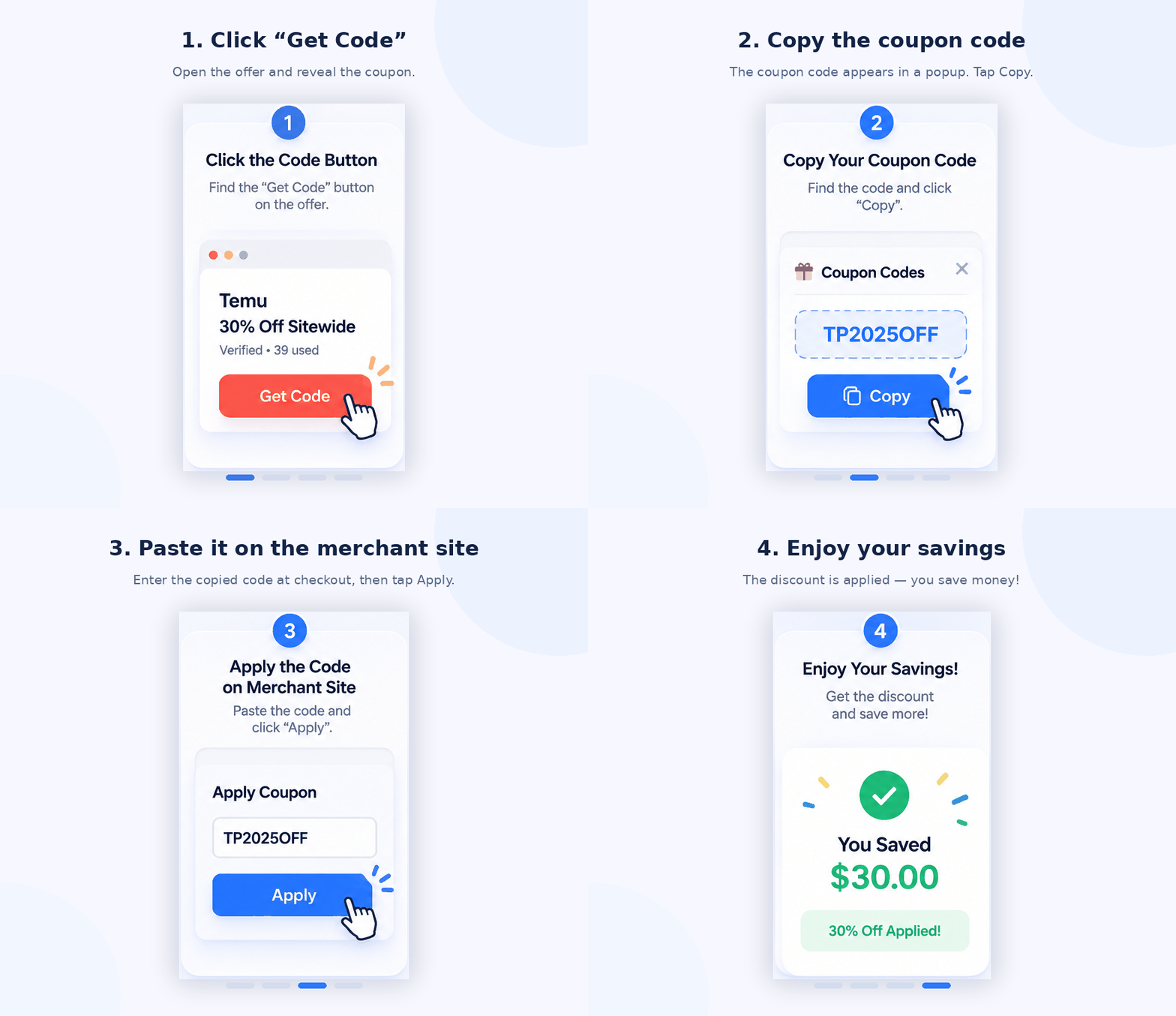
Pick a code from the list above. Its details give the discount and any conditions, such as a minimum spend or an end date.
Select Show Code. A window opens with the full code, a Copy code button and a link to fibosearch.com.
Add your items at fibosearch.com, then paste the code into the promo code box in your cart or at checkout.
Make sure the discount shows in the order total before you pay. If it does not, the order may not meet one of the code's conditions.
On this page, 1 offer is for new customers only. A code also fails when the cart has excluded items or the promotion has ended.
There are 3 FiboSearch offers on this page: 3 deals.
No offer on this page is marked sitewide. Each offer's details give the products it covers.
No offer on this page says whether it can be combined with others. Checkout normally takes one code per order.
Browse more stores in FiboSearch’s categories.